Getting started
Get started on Ascend, the Agentic Data Engineering platform.
Join us in the Ascend Community Slack to connect with other users and get help from the Ascend team!
Sign up for a free trial
Navigate to app.ascend.io and click Start your free trial.
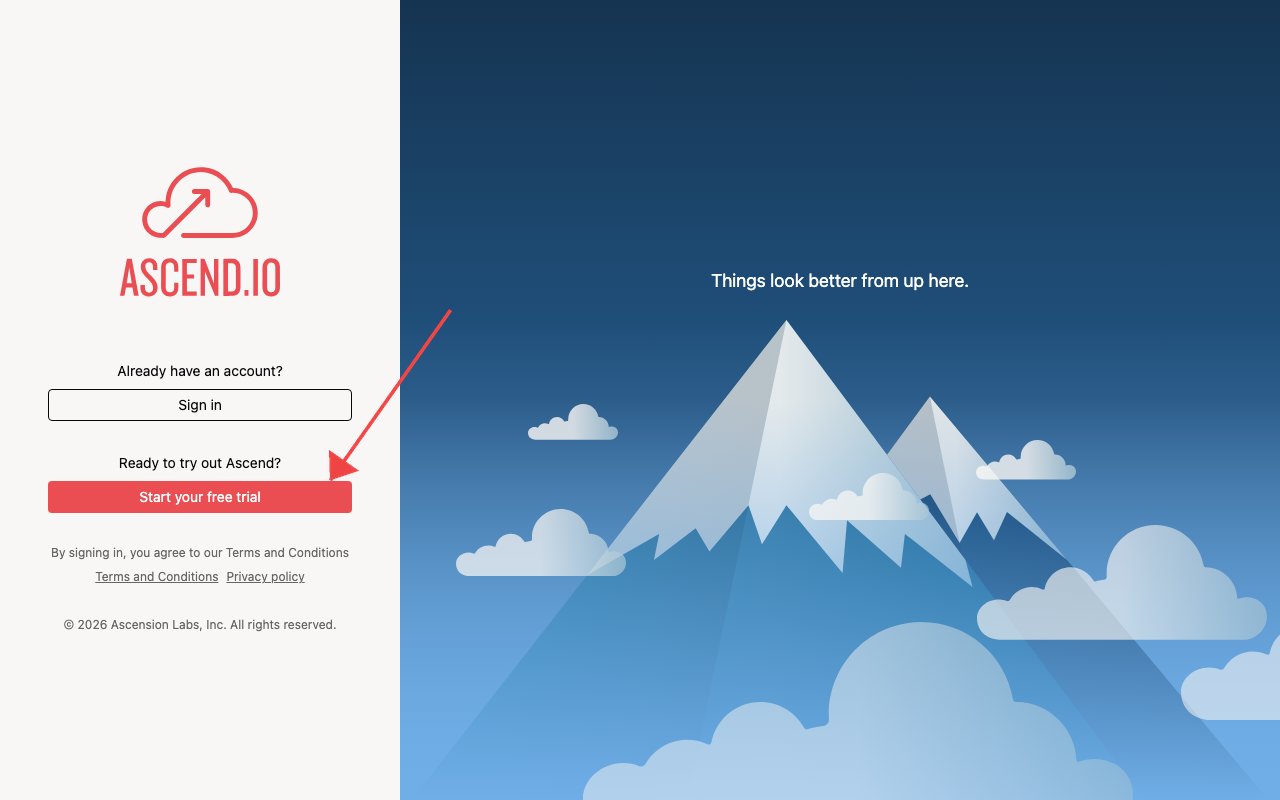

The Ascend free trial gives you 14 days or 100 Ascend Credits, whichever comes first. To continue beyond these limits, select a plan to subscribe to. If your limits are reached, your Instance will be locked — you can still subscribe to unlock it.
You are signing up for the multitenant SaaS application hosted at app.ascend.io. If you are looking to deploy a self-hosted version of Ascend, review our pricing page and talk to sales.
Sign up with Google
Click Sign in with Google on the signup page. After authenticating with your Google account, you'll land directly in the app.
Sign up with email
Enter your email and create a password. You'll receive a verification email from
support@ascend.io — click the link to verify, then sign in.
Sign in
Already have an account? Go to app.ascend.io and click Sign in.
Set up your account
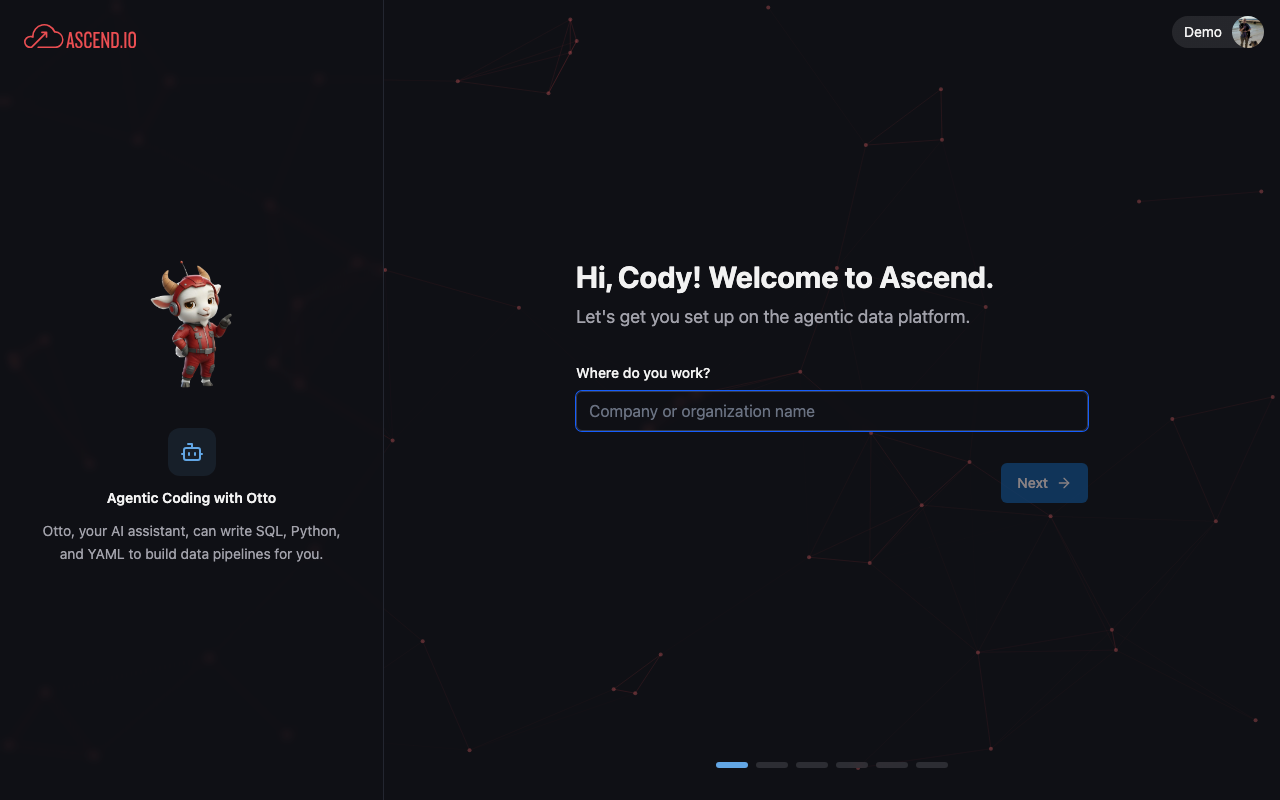
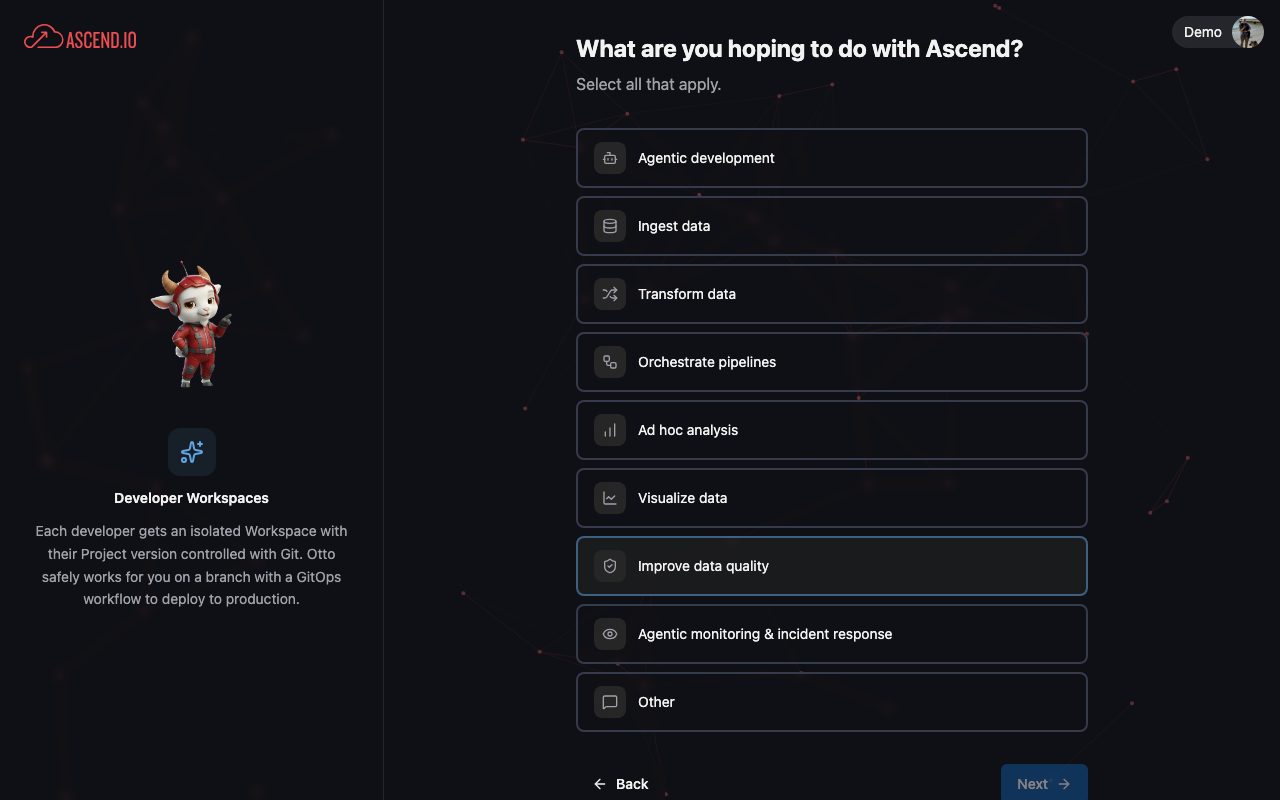
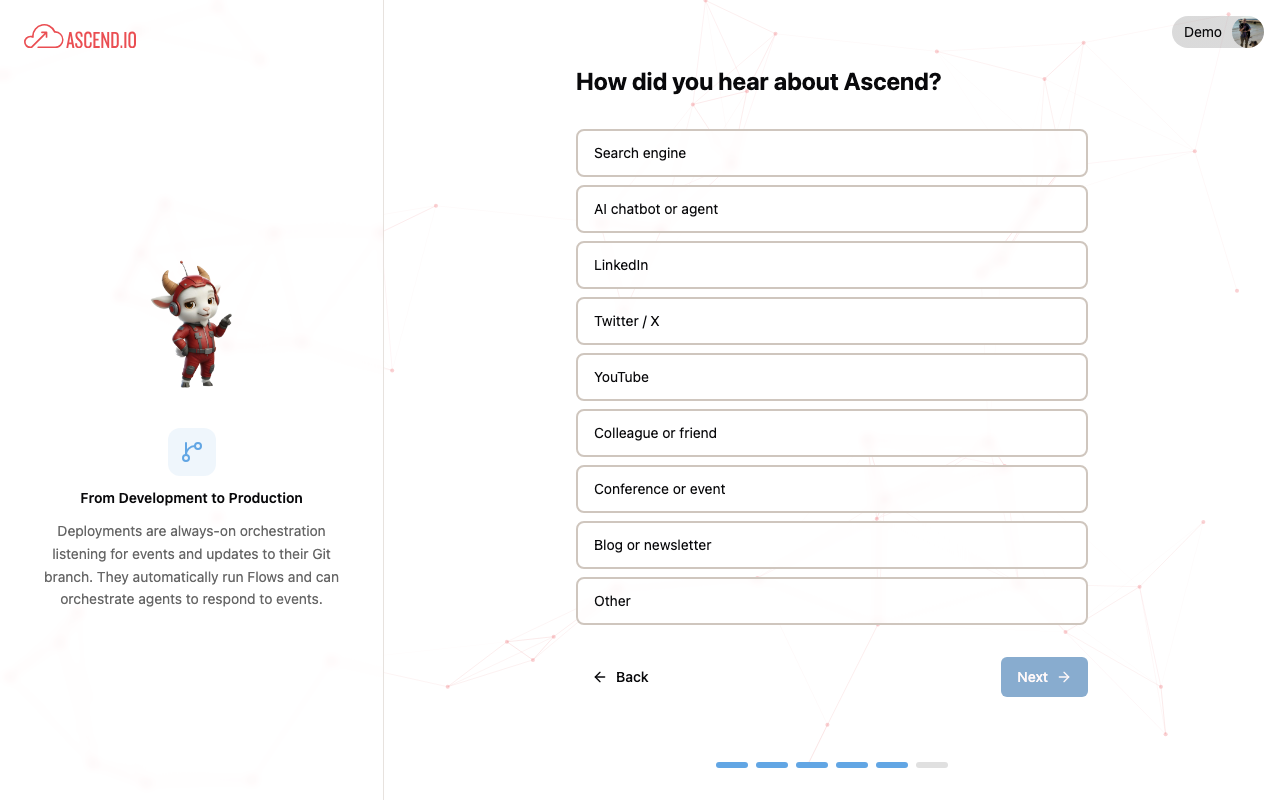
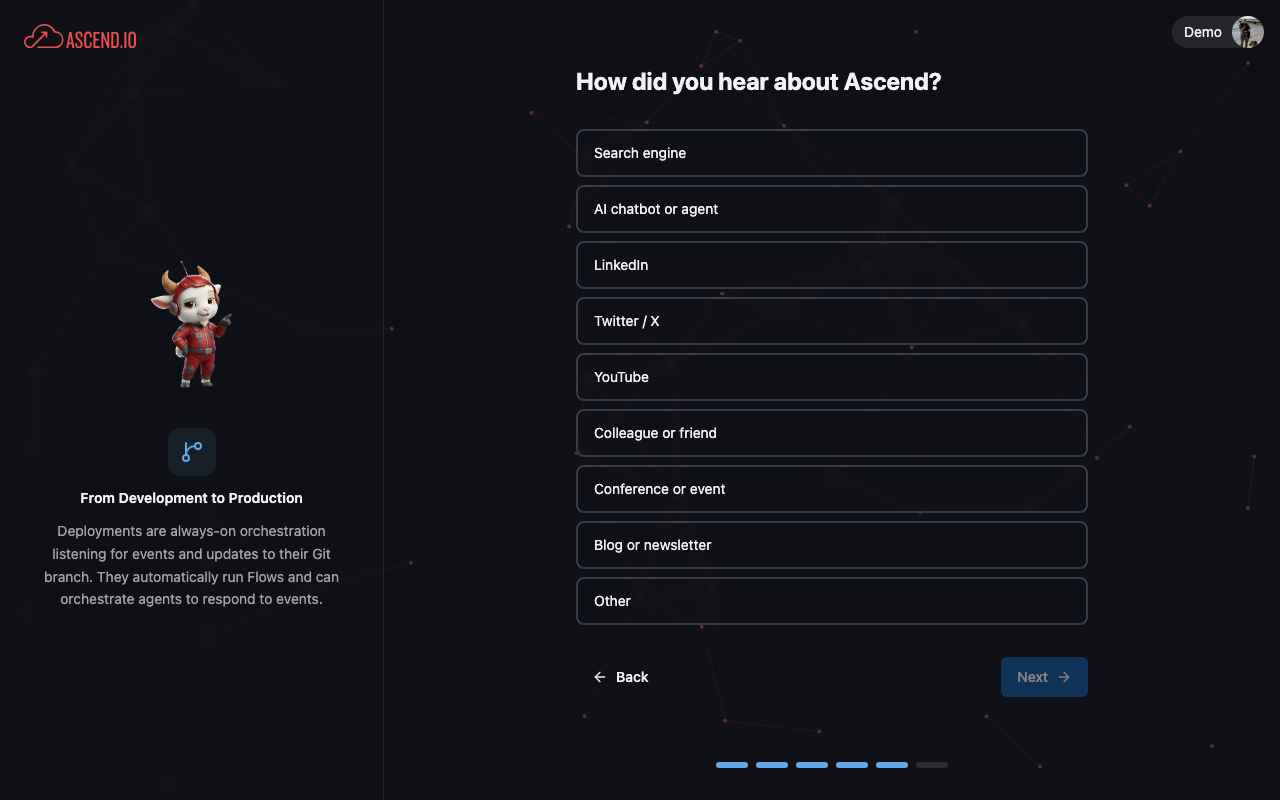
After signing in for the first time, you'll walk through a short onboarding flow to personalize your experience. Otto, your data engineering agent, uses your answers to tailor recommendations.
- Company
- Role
- Experience
- Goals
- Referral
- Get started
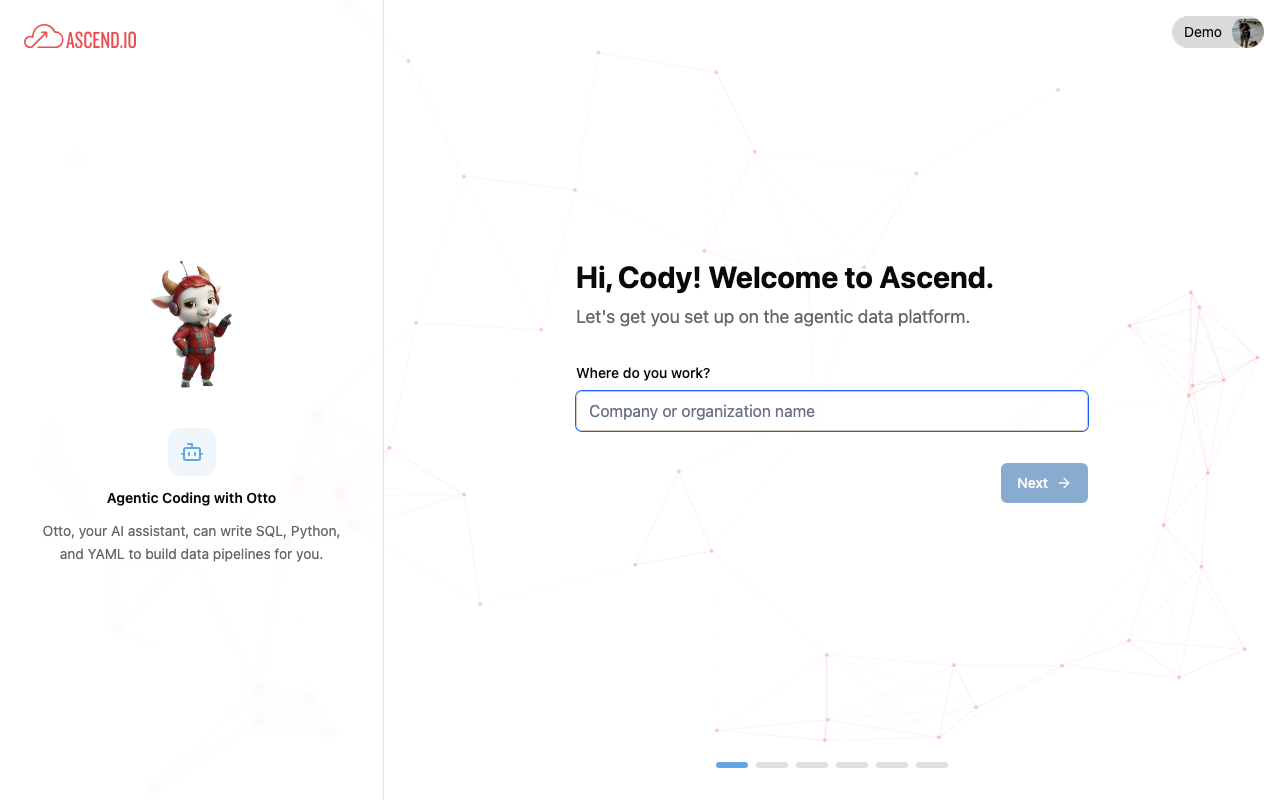
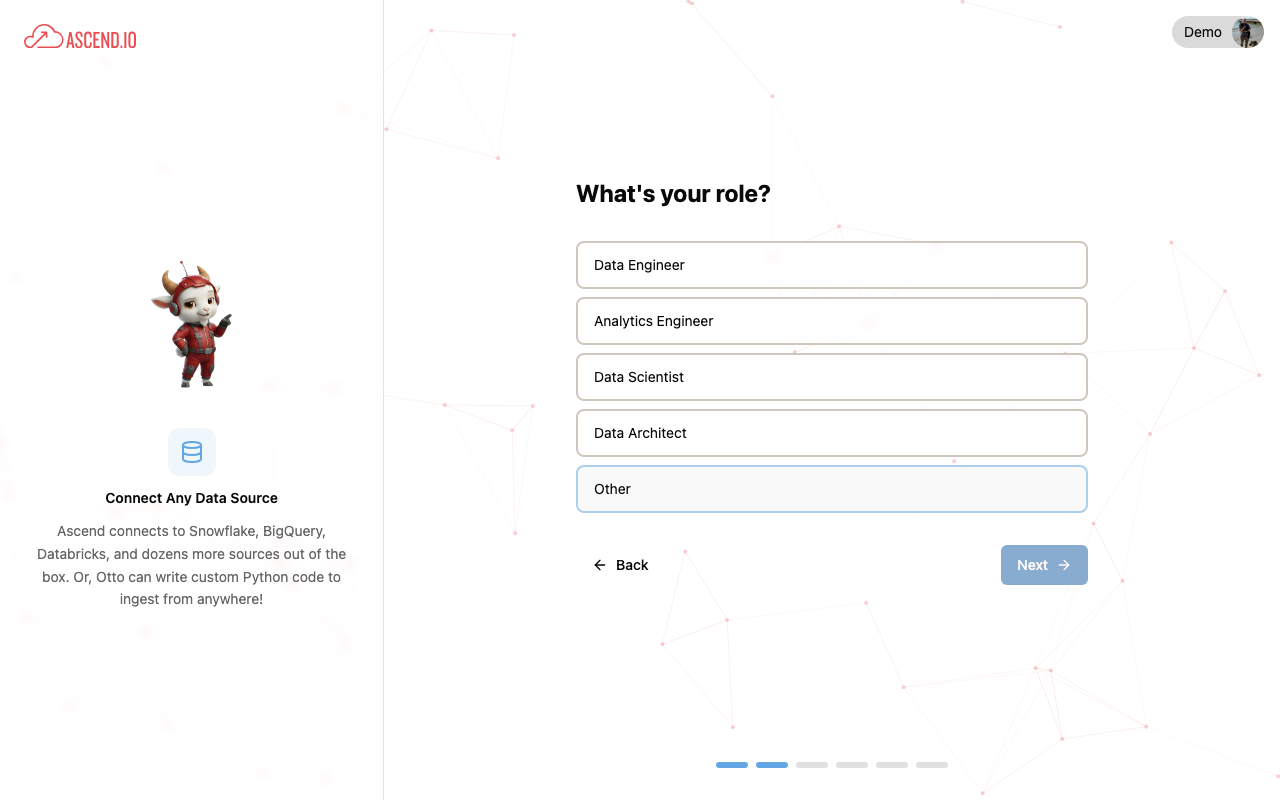
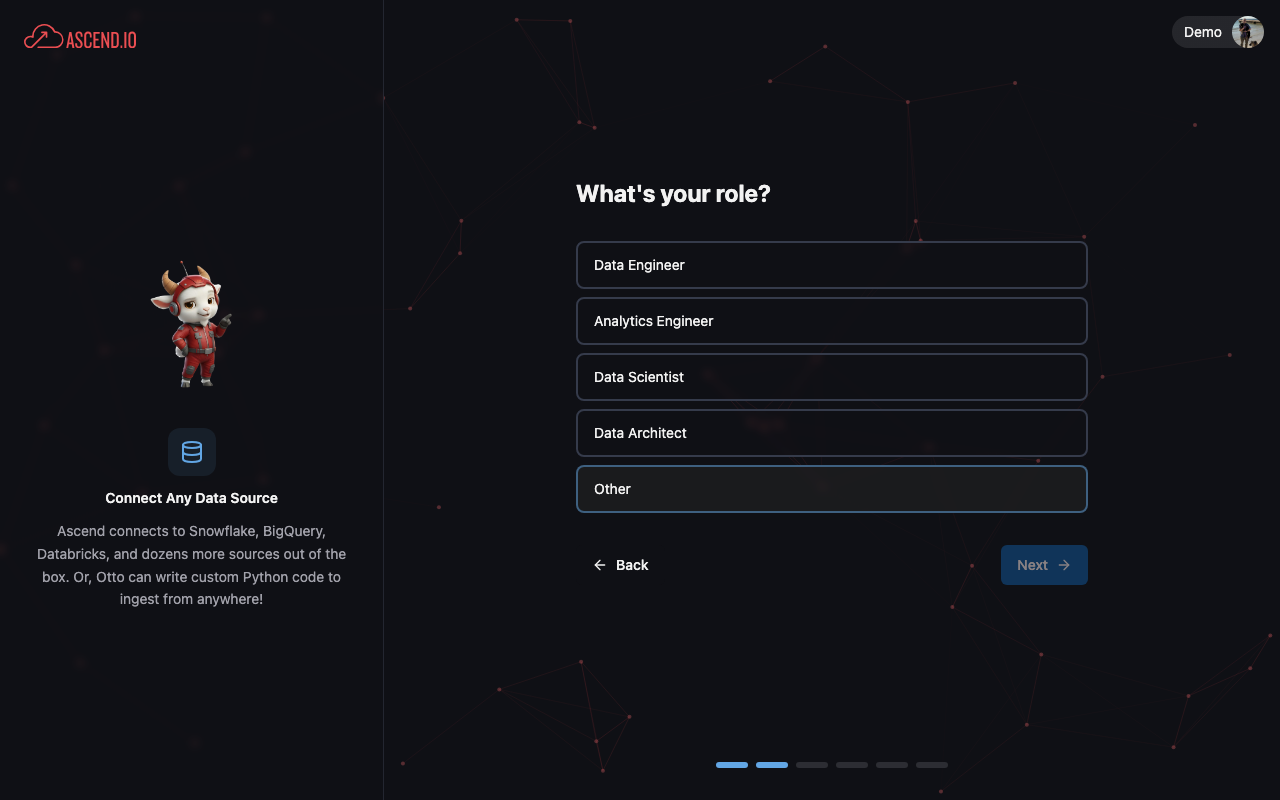
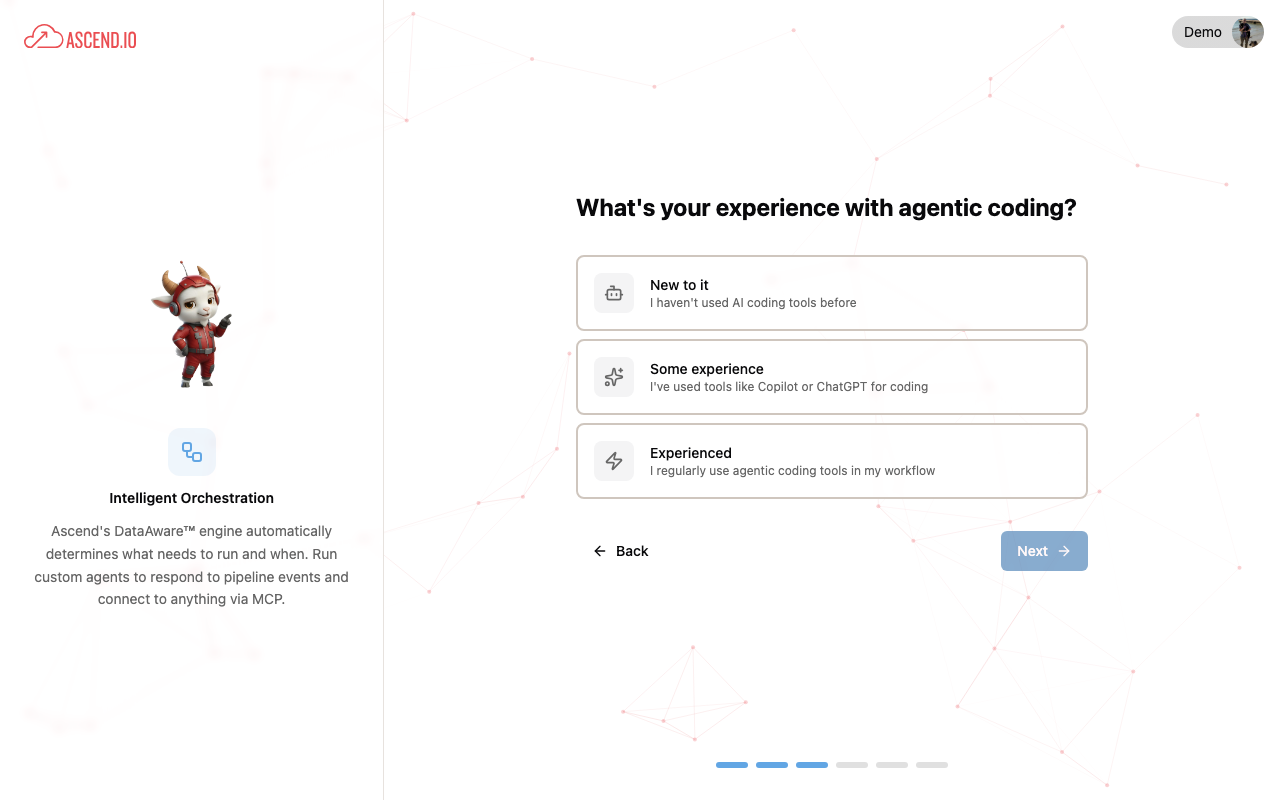
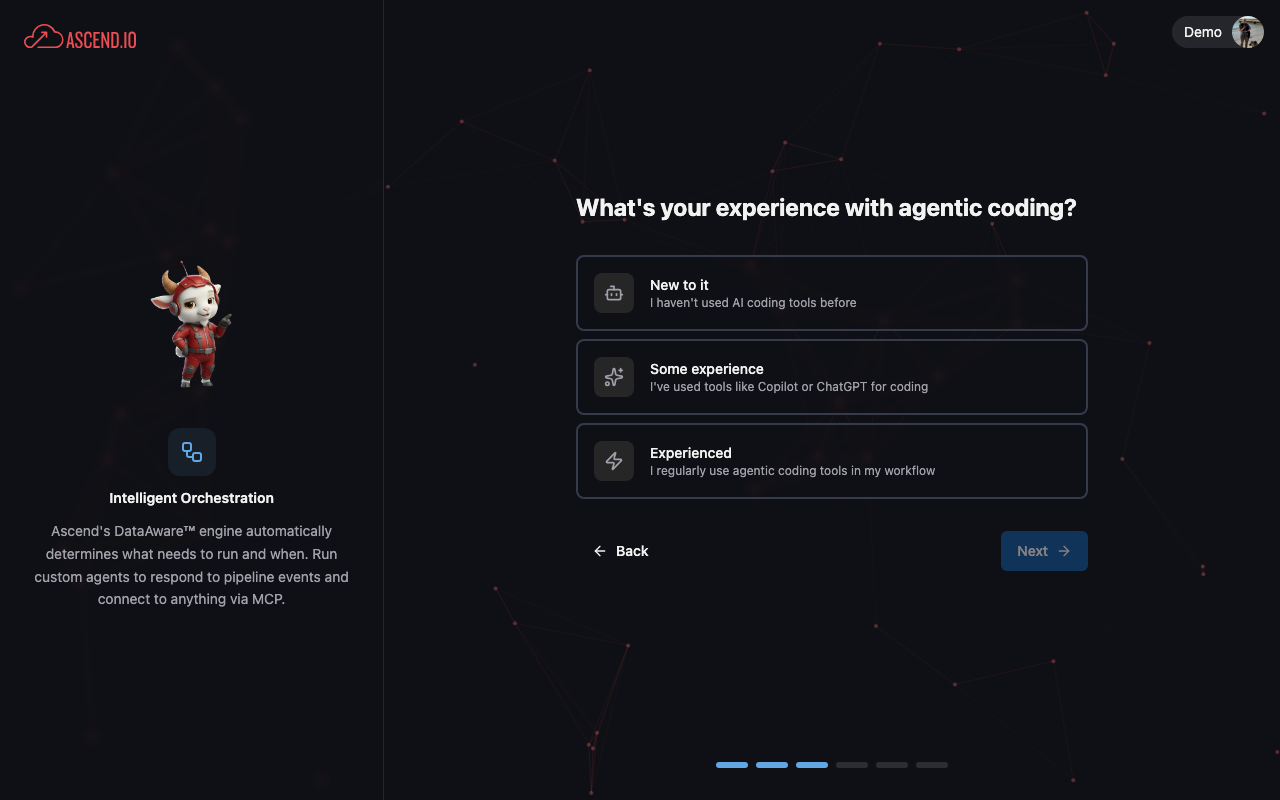
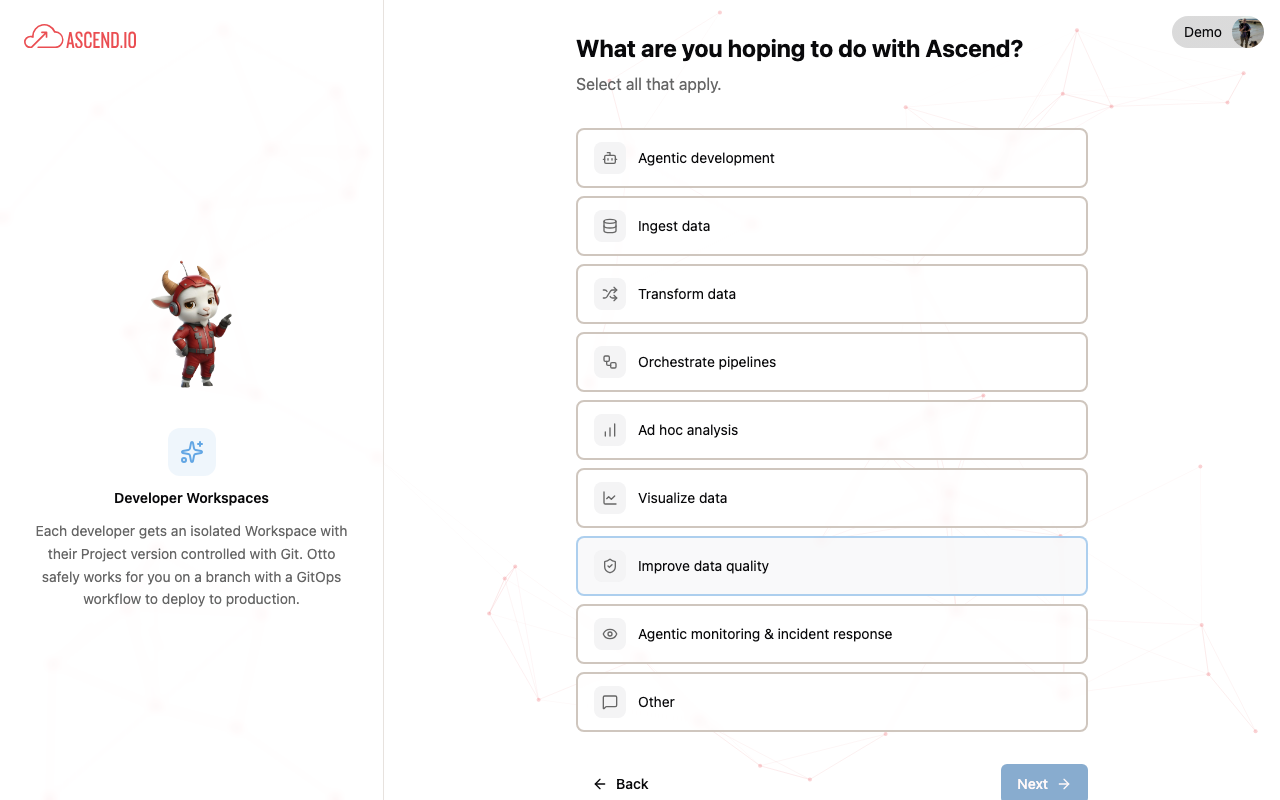
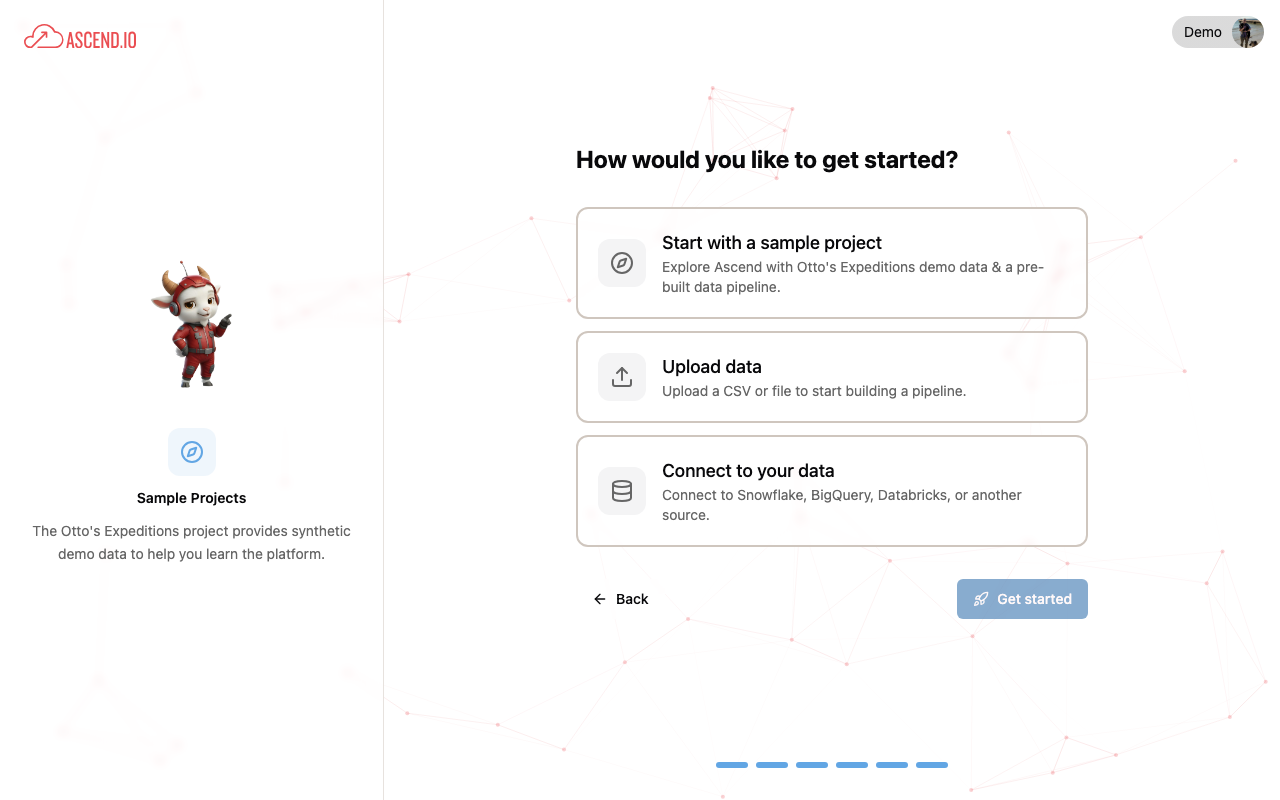
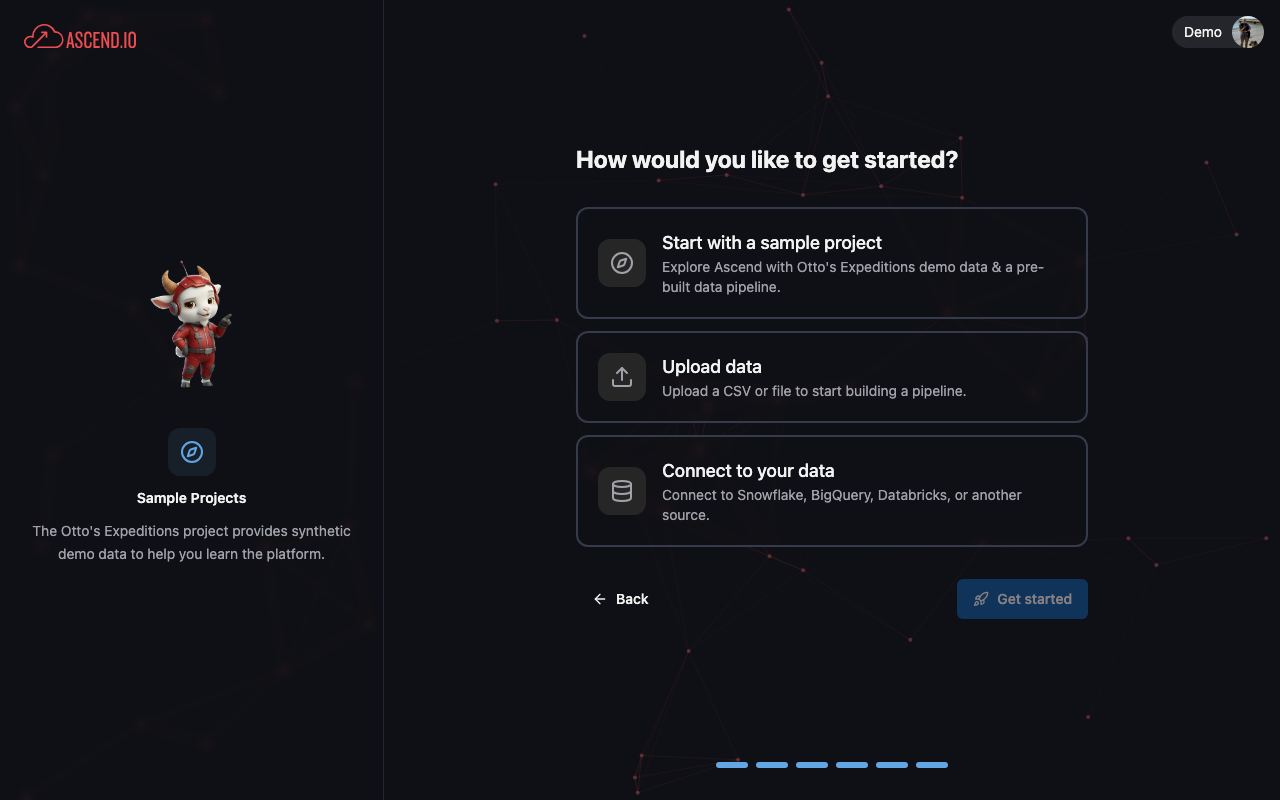
On the final screen, choose how you'd like to get started:
- Start with a sample project: Explore Otto's Expeditions demo data and a pre-built pipeline.
- Upload data: Upload a CSV or file to start building a pipeline.
- Connect to your data: Connect to Snowflake, BigQuery, Databricks, or another source.
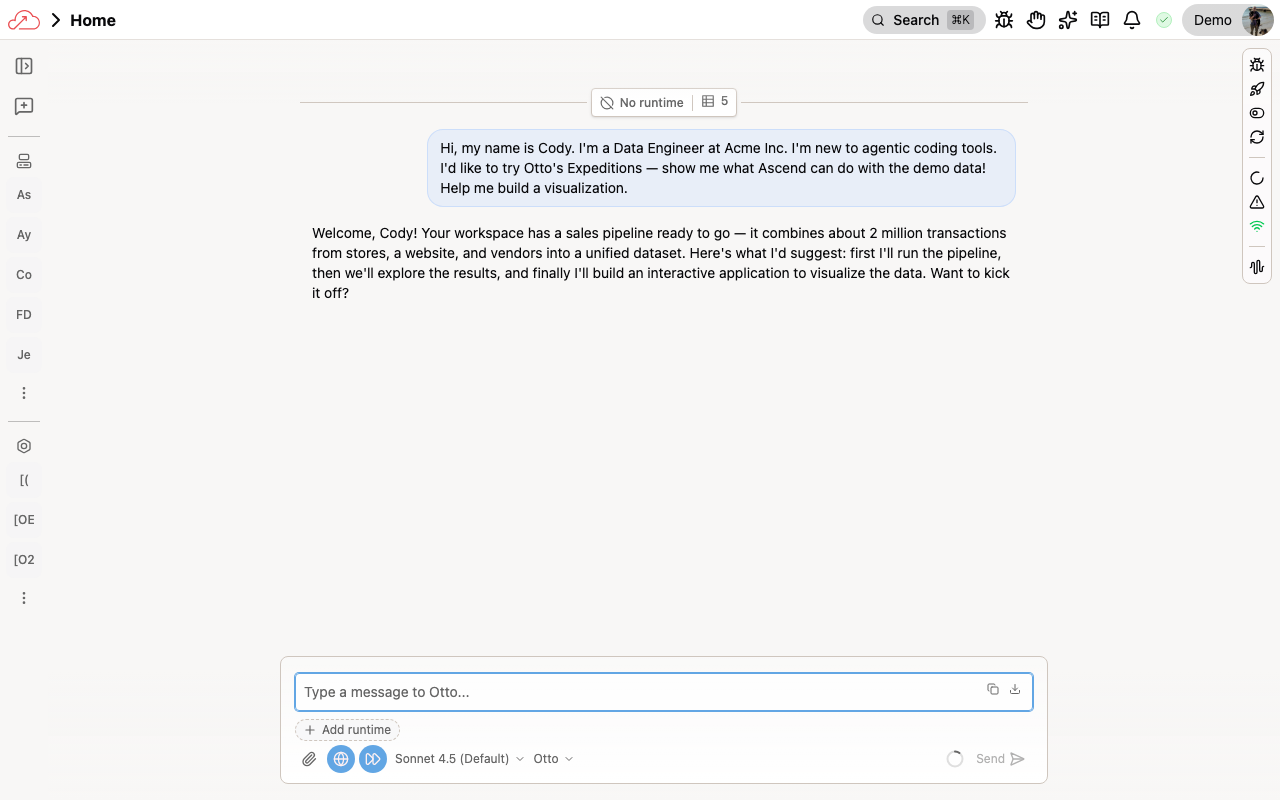
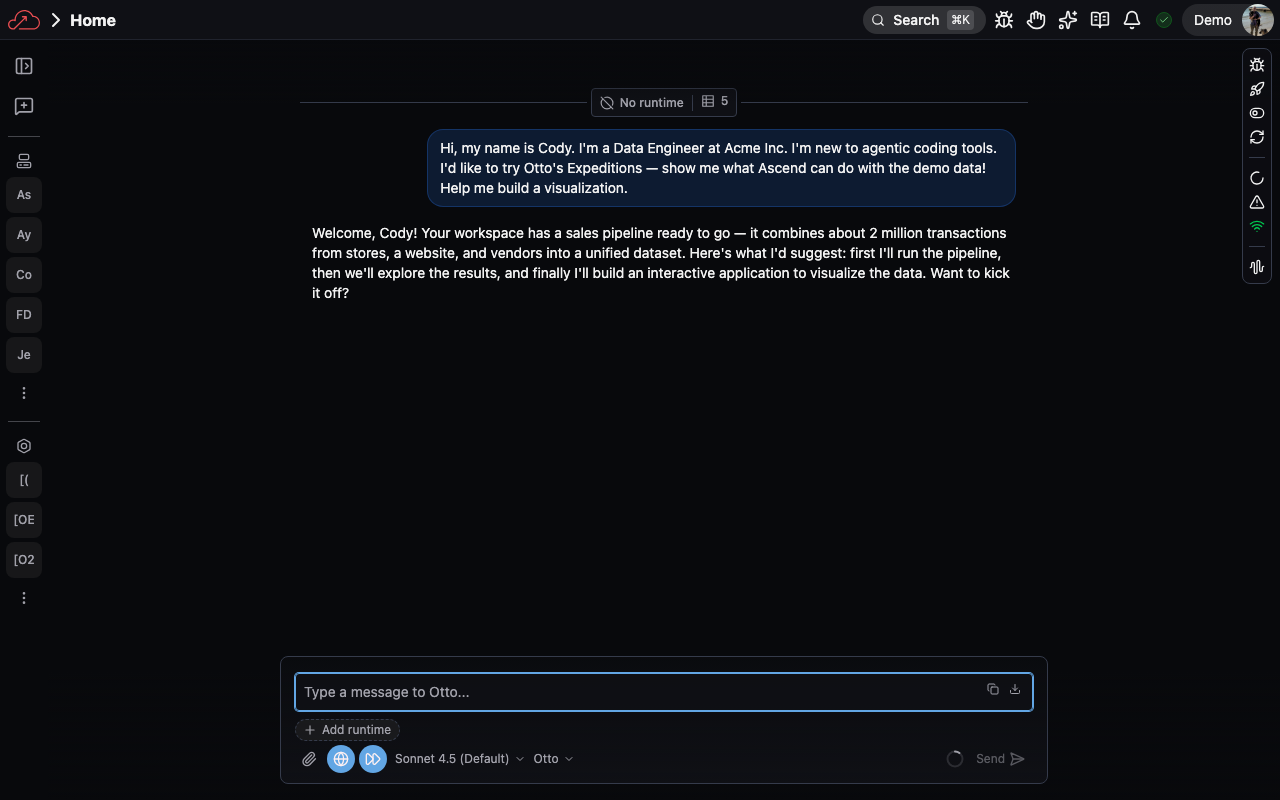
After you make your selection, Ascend provisions your Workspace and Otto starts a conversation to help you take your first steps.
Next steps
We recommend you create your first data pipeline with Otto.