Getting started
Get started on Ascend, the Agentic Data Engineering platform.
Join us in the Ascend Community Slack to connect with other users and get help from the Ascend team!
Sign up for a free trial
The Ascend free trial lasts for 14 days or 400 Ascend Credits, whichever comes first. To continue using Ascend beyond these limitations, you can select a plan to subscribe to. Free trial credits do not roll over so we recommend waiting until you are near your limits. If your limits are reached, the Instance will be locked — you can still subscribe to a plan at this point to unlock and continue using Ascend.
You are signing up for the multitenant SaaS application hosted at app.ascend.io. If you are looking to deploy a self-hosted version of Ascend, please review our pricing page and proceed to talk to sales.
Submit the form
Sign up for a free trial or skip ahead to sign in if you already have an Ascend Instance.
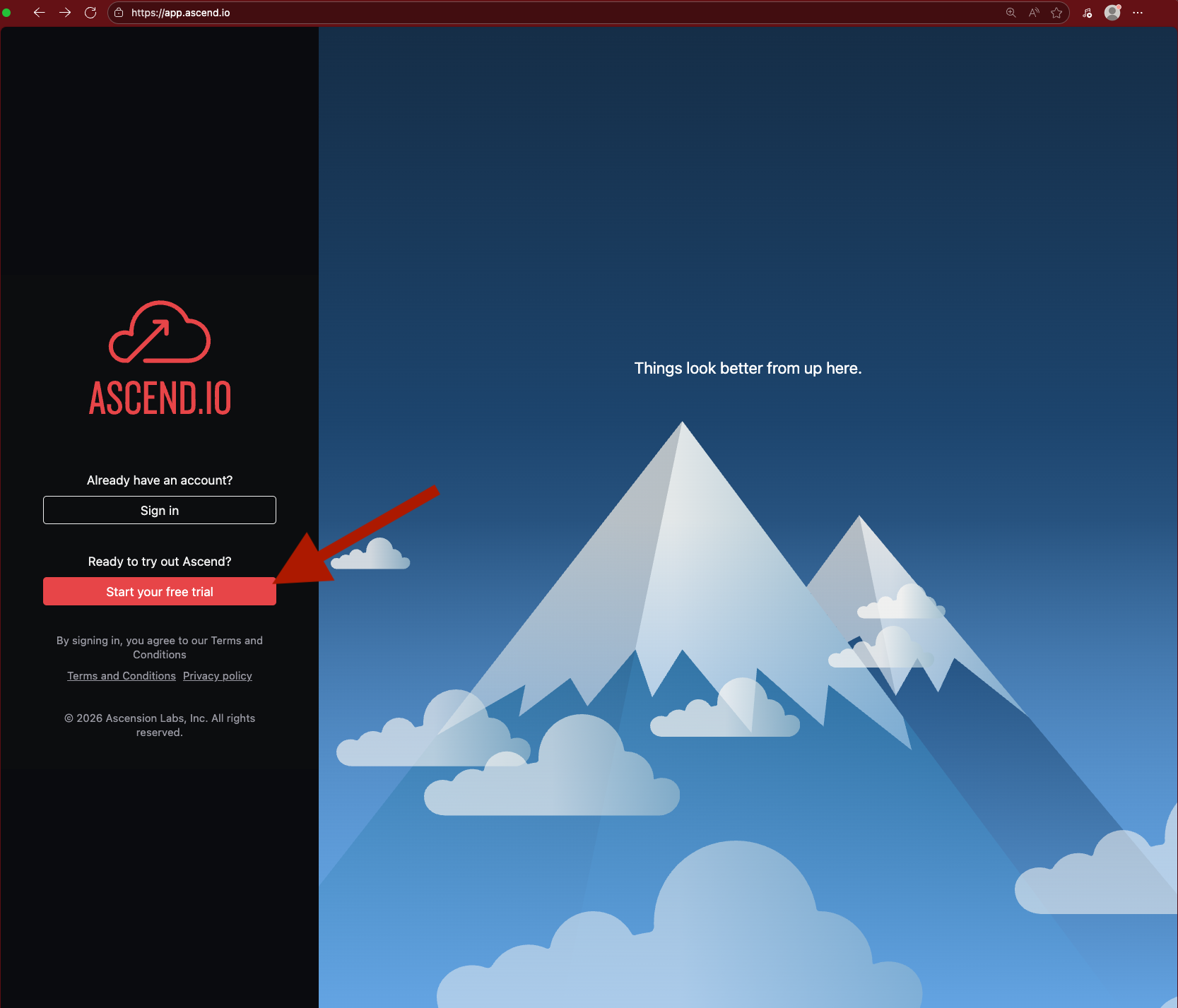

You must use a work email address. Common personal email domains like @gmail.com and @yahoo.com are disallowed.
Accept your invite
Navigate to your email inbox and look for a message from Ascend (support@ascend.io). Click to accept the invite.
Email support for help if you do not receive the verification email within a few minutes or encounter any issues.

Proceed to create your password or sign in with Google SSO.

Sign in
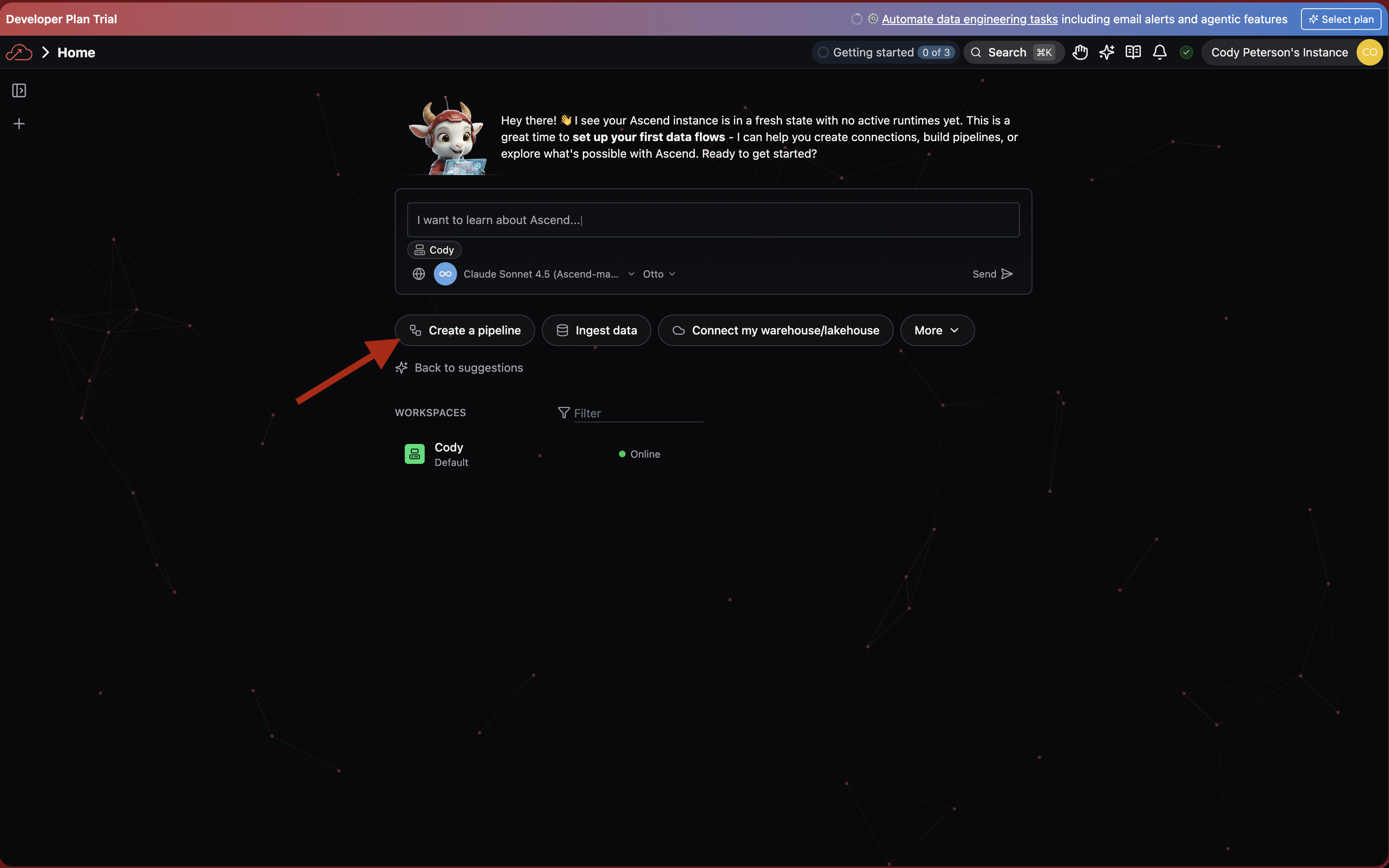
Sign in to your Ascend Instance using the email and password or other authentication method. You'll see Otto on your home screen.
Next steps
We recommend you create your first data pipeline using Otto.