Hands-on workshop: Agentic Data Prep & Visualization


Transform messy data and generate visualizations using AI agents in a single workflow.
Step 1: Sign up for Ascend
Go to https://app.ascend.io/signup and fill out the form to start your free Developer plan trial.
Your free trial lasts for 14 days or 100 Ascend Credits, whichever comes first. To continue using Ascend beyond these limits, you can select a plan to subscribe to.
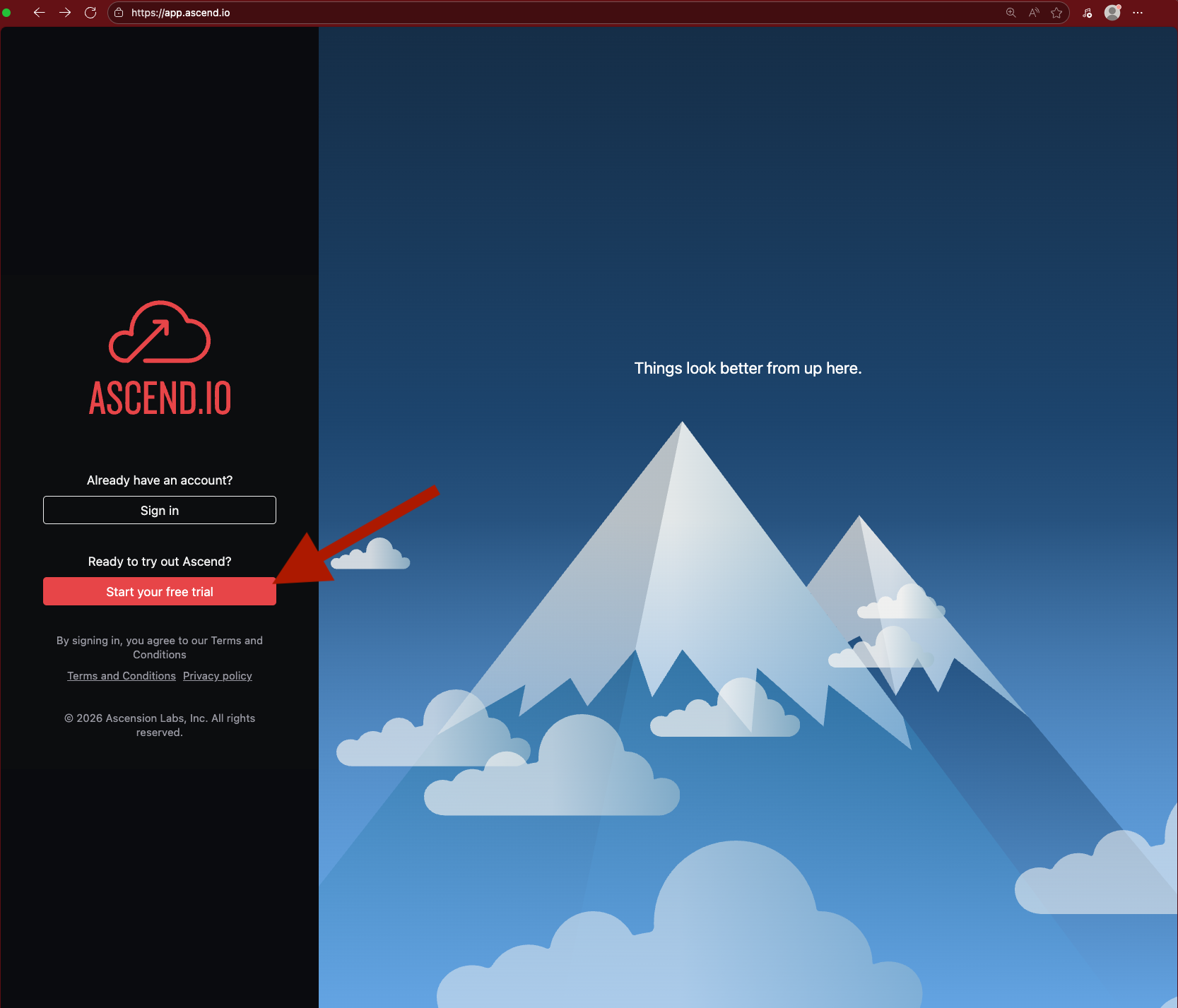
You must use a work email address. Common personal email domains like @gmail.com are disallowed.

Check your email for a verification message from support@ascend.io. Click to accept the invite and create a password or sign in with Google SSO.
Ask us live or email support if you don't receive the email within a few minutes.

Step 2: Build, prep, and visualize with Otto
Once signed in, open Otto with Ctrl + I (or Cmd + I on Mac) and send the following prompt:
Sit back and watch Otto work through the entire workflow — ingestion, data prep, cleaning, and visualization — in a single agentic loop.
Otto may make mistakes along the way. Agentic development loops tend to iterate toward success, so let Otto fix issues on its own. If it gets stuck, give it a nudge!
Wrap up
You've seen how a single prompt to an AI agent can handle the full data prep and visualization workflow:
- Ingest raw data from a file
- Combine datasets with SQL & Python transforms
- Clean and standardize for downstream consumption
- Build a dashboard
all without writing code manually!
Keep exploring
We're in exciting times. Here are more prompts to try on your own:
Add a new data source to the analytics Flow — pull in weather data from the
Open-Meteo API and correlate it with sales trends.
Create a rule that enforces a visualization style guide so all future dashboards
use consistent colors, fonts, and chart types.
Schedule this pipeline to run daily at midnight, then deploy it to production.
Send me an email with a link to the dashboard artifact.
Build a second dashboard that compares data quality before and after cleaning —
show counts of nulls, duplicates, and type mismatches at each stage.
Resources
Questions? Reach out:
- Cody: cody.peterson@ascend.io
- Jenny: jenny@ascend.io
- Support: support@ascend.io
- Sales: sales@ascend.io